The order that fills tables
Booking comes first because most visits happen shortly before a meal, while people decide where to go. The menu follows, since it's what convinces them. Hours and the map come after, for those who have already decided.
- Book a table
- Menu
- Delivery
- Hours with open now
- Map and FAQ
Works alongside TheFork, Uber Eats, iFood and the rest
If you take reservations on TheFork, OpenTable or through Google, point the booking button at that page instead of WhatsApp. The delivery button can go to Uber Eats, Glovo, Bolt Food or iFood; add one button per app if you use several. Keep the hours on your Google Business Profile and on this page identical, so guests never get two answers.
What to put in a restaurant's Instagram bio
Say the kind of food, the neighbourhood and when you open: "Seasonal kitchen & wine bar in Chiado. Tue–Sun, lunch and dinner." Those are the words people type into Instagram search, and they answer the first questions.
Then add the link to your page and, if your account type offers them, the contact and address buttons. Pin a post of the dining room or the terrace so new visitors see the place before they scroll.
Put a QR code on the table and the door
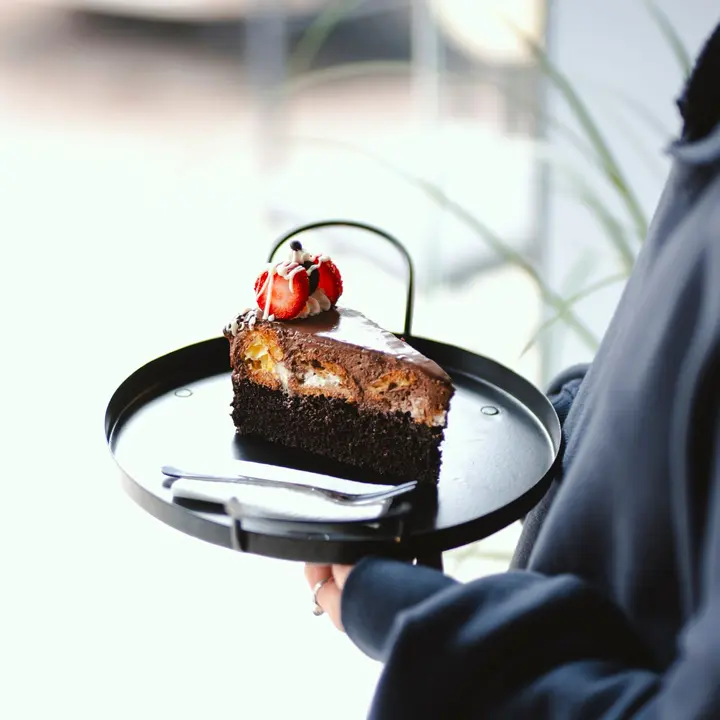
The same page works indoors. Print its QR code on the table card, the menu stand or the window, so guests open the menu on their phone and check the desserts without waving for a waiter.
Because it's one page, you change the menu once and it's changed on Instagram, on the tables and on Google. Clicks per link show whether people come for the menu, the delivery app or the booking button.
Common mistakes
Posting the menu as a PDF or a photo. It's slow to open, hard to read on a phone, and search engines can't read the dishes. A text menu fixes all three.
Forgetting to change the hours on public holidays, or leaving a delivery button that points at an app you stopped using. Look over your page once a week, the same way you check the stock.