Linktotem

Link in bio for bakeries and cake makers

People find cakes on Instagram and TikTok, then ask the same four things in DMs: what do you make, how much, can you do my date, and how do I order. This template answers all four on one page, for bakeries, cake shops and home bakers, with the order button first.

  • Orders on WhatsApp
  • Menu with photos
  • Custom cake form
  • Prepaid weekend box

This is the real page, with example content you replace in a few minutes.

This template sells on the page: to take payments, connect your own Stripe account (it takes a few minutes). Until then the buy buttons stay switched off.

Use this template

Build free, no card. Publish with a 14-day free trial.

What's on the page, and why

  1. 1

    Order on WhatsApp

    The first button opens WhatsApp with "Hi! I'd like to order a cake for" already typed. The customer adds the day and the occasion, and the chat starts with the facts you need instead of a bare "hi, do you do cakes?".

  2. 2

    Menu with photos and prices

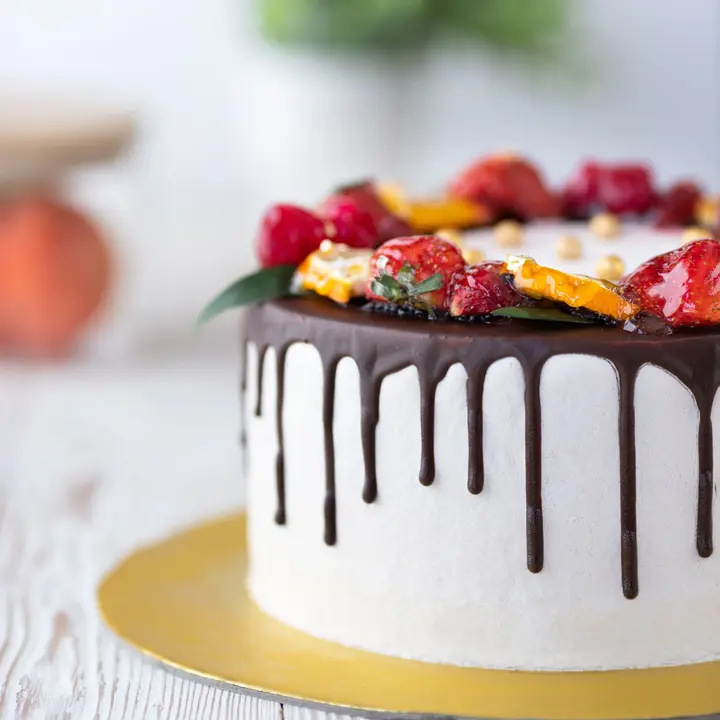
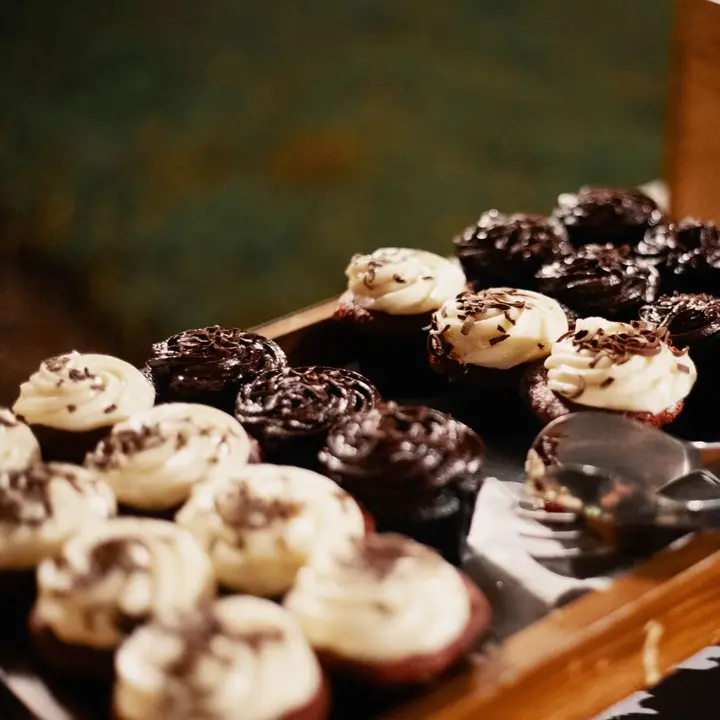
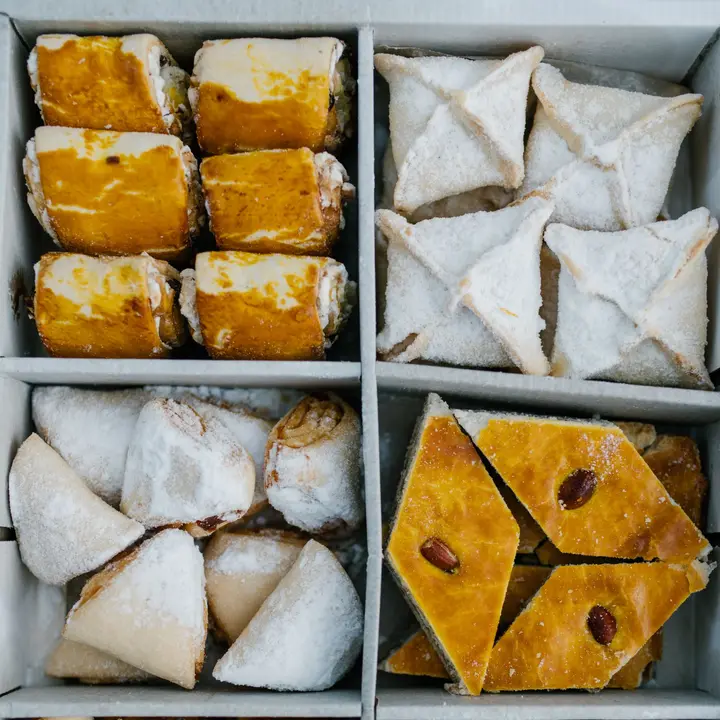
    Cakes, pastries and party trays as folding sections, each item with a short description, a price and a note such as "per slice" or "whole cake". The signature cake carries a photo and a "popular" badge, and the pastries get a photo too. In a bakery the picture sells, so put it next to the price.

  3. 3

    Custom cake form

    Date, number of people, flavour, the idea, name and phone. Every request arrives in your dashboard and your email with the same fields, so nothing gets buried under forty other chats. The servings are ranges like "10–12 people" because customers know their guest list, not cake sizes. The idea field also asks about allergies, so you hear about nuts before you quote.

  4. 4

    Weekend box, paid in advance

    A product block with a price and a stock, paid by card through your own Stripe account. You bake exactly the number sold and nobody reserves a box and forgets to collect it. The template sets 20; change it to what your oven can do.

  5. 5

    Reviews

    Two short quotes with a first name and what they ordered. The best ones mention a detail: the drawing turned into a cake, the jam, the box ready on the counter. Ask before you post a customer's words.

  6. 6

    Opening hours and map

    The week with open or closed right now, and a map with your address. The note under the map says where cake orders are picked up, which saves a phone call on the busiest Saturday.

  7. 7

    Social icons

    Instagram, TikTok and WhatsApp close the page, for people who came from a video and want to see more of the work.

The order that turns DMs into orders

Most people arrive already wanting something, so the WhatsApp button comes first. The menu follows for those still choosing, and the custom cake form catches the bigger orders that need a quote. The box sells itself to whoever scrolled that far, and hours and the map are for the ones already on their way.

  1. Order on WhatsApp
  2. Menu with photos
  3. Custom cake form
  4. Weekend box
  5. Reviews, hours and map

Next to Uber Eats, Glovo, iFood and your payment apps

If you sell pastries through Uber Eats, Glovo, Bolt Food or iFood, add a link block for each app below the menu. Custom cakes rarely fit a delivery app, so keep those on the form. For deposits, most bakers agree the price on WhatsApp and then send payment details: MB Way in Portugal, Pix in Brazil, a card or bank transfer elsewhere. If you'd rather take it on the page, add a second product block called "Cake deposit". Keep your hours identical here and on your Google Business Profile.

What to put in a bakery's Instagram bio

Say what you bake, where, and how much notice you need: "Birthday cakes to order in Porto. 48 hours' notice. Closed Mondays." The notice period answers the most common message before it arrives.

Then the link to your page. Pin three posts: your best-selling cake, a custom cake with the story behind it, and one showing how to order.

Deposits, dates and allergens

A deposit of 30% to 50% is common for custom cakes, and it's the only thing that really holds a date. Write the amount and the cancellation rule in the form description so it's agreed before you start the sketch.

Keep a list of the allergens in each recipe. In the EU fourteen allergens must be declared, the US has nine major ones, and Brazil requires allergen warnings on packaged food. Asking about allergies in the form means you find out early, not at the pickup.

Common mistakes

Answering "how much?" in DMs one customer at a time. Put a starting price for the popular cakes on the page; people who can't afford it stop asking, and the rest arrive ready to order.

Taking orders in five places at once: comments, DMs, WhatsApp, phone and email. Send everyone to the form, then check it once in the morning and once in the evening.

FAQ

Questions

How do I take cake orders from Instagram?

Put your page in your bio. Quick orders go to WhatsApp with a message already written, and custom cakes come through the form with date, servings and flavour, straight to your dashboard and email.

Can customers pay a deposit on the page?

Yes, with a product block paid through your own Stripe account. Many bakers prefer to agree the price first and then ask for MB Way, Pix or a transfer; both work.

Does it work for a home baker without a shop?

Yes. Remove the map and the hours, or write your pickup days in the hours block. The rest of the page works the same.

Can I stop orders when I'm fully booked?

The prepaid box stops selling when the stock runs out. For custom cakes, change the form description to say which weeks are full, or hide the block until you reopen.

Can I add photos of my cakes?

Yes. Menu items can carry a photo, and you can add media blocks for more pictures or a block that shows your latest Instagram posts.

Can I link to Uber Eats, Glovo or iFood?

Add a link block for each delivery app you use. Keep custom cakes on the form, since they need a date and a conversation.

Free tools that go with it

More templates

See all templates

Start in minutes

Your page, from this template

Pick a username, and your page starts with this template: change the words, add your links and it's yours.

Build free, no card. Publish with a 14-day free trial.

Claim your link today

One link for everything you create, sell and share. Free to publish, online in minutes.