
Linktotem

Link in bio for barbershops

Most people who tap a barbershop's link want one of two things: a time slot, or to know if they can come in right now. This template answers both at the top, then shows the prices, the cuts and what regulars say. It works for a shop with five chairs or an independent barber renting one.

  • Online booking
  • Walk-in on WhatsApp
  • Prices with photos
  • Tips for the team

This is the real page, with example content you replace in a few minutes.

This template sells on the page: to take payments, connect your own Stripe account (it takes a few minutes). Until then the buy buttons stay switched off.

Use this template

Build free, no card. Publish with a 14-day free trial.

What's on the page, and why

  1. 1

    Book your cut

    The first button opens your Cal.com, Calendly or Google Calendar booking page, where the client picks a barber and a time. Give each barber their own event type, so the regulars who only trust one person can find them in one tap.

  2. 2

    Chair free now?

    The second button opens WhatsApp with "Hi! Is there a chair free now for a" already typed. It is for the walk-in crowd: people on their lunch break or passing on the way home. You answer "come in, ten minutes" and the chair that would have stayed empty gets filled.

  3. 3

    Prices

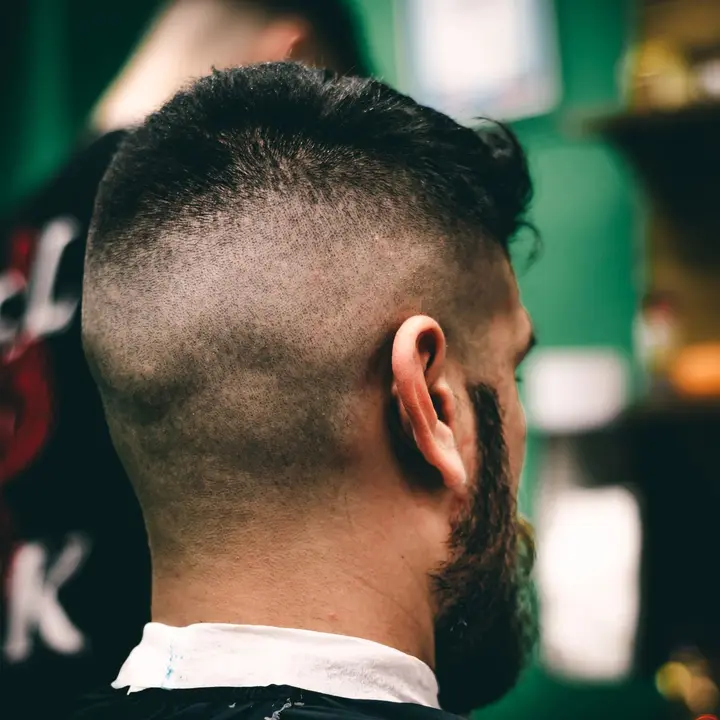
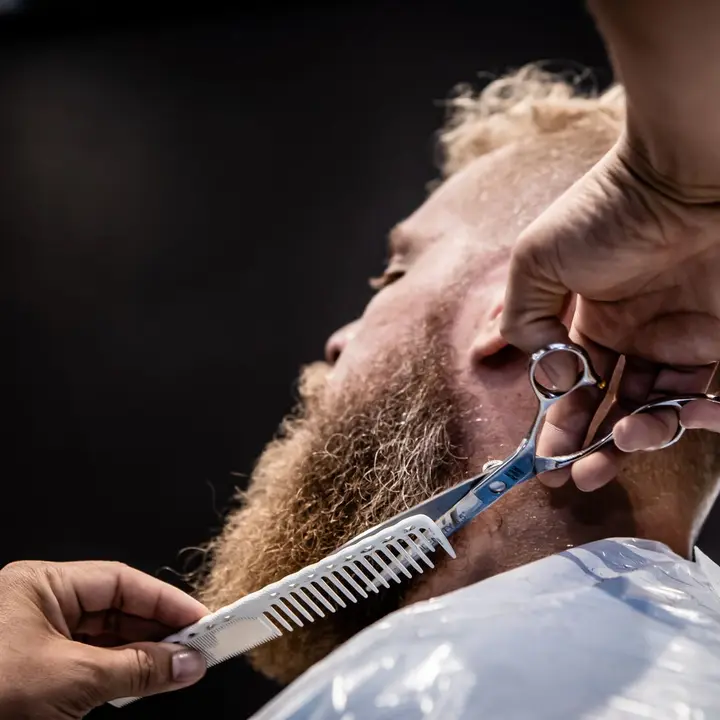
    Hair, beard and combos as folding sections, each service with one line on what's included and a clear price. The fade and the beard trim carry a photo, because a picture of a clean line-up sells better than the word. A "popular" badge marks the cut-and-beard combo, the service most clients end up taking anyway.

  4. 4

    Reviews

    Three short quotes in a carousel, with a first name and how long they have been coming. The good ones talk about consistency, the kids' cut or a wait that was shorter than expected, which are the real worries of a new client.

  5. 5

    Tip your barber

    A tip block paid through your own Stripe account, with three quick amounts and room for a custom one and a message. Clients who pay by card often have no cash left for the tip. Say plainly where the money goes, for example shared among the team at the end of the month.

  6. 6

    Opening hours and map

    The hours show the week and whether you're open right now, based on your time zone, with late nights and the closed Sunday visible. The map opens Google Maps or Apple Maps, and a short note such as "look for the pole" or where to park saves a phone call.

  7. 7

    Social icons

    Instagram, TikTok and WhatsApp close the page. Barbershops live on short videos of fades and transformations, and this is where a new client goes to watch a few before booking.

The order that fills the chairs

Booking goes first because most visitors already know they want a cut. The walk-in button sits right below it, for those who want one today. Prices and photos come next, to reassure anyone who hasn't been in before, then reviews. The tip, hours and map are for people who already know you.

  1. Book online
  2. Walk-in on WhatsApp
  3. Prices with photos
  4. Reviews and tips
  5. Hours and map

Booksy, Fresha, Treatwell, Trinks and the rest

Plenty of barbers already take appointments on Booksy, Fresha or Treatwell in Portugal and Europe, or Trinks and AppBarber in Brazil. The booking block works with Cal.com, Calendly and Google Calendar appointment pages; if your diary lives in another app, swap it for a link button that points at your profile there, and keep it at the top. Keep the prices here identical to the ones in the booking app, so nobody arrives expecting a different number.

What to write in a barbershop's Instagram bio

Say what you're good at and where: "Fades, beards and hot towel shaves in Arroios. Book online or walk in." The neighbourhood matters more than a slogan, because people look for a barber close to home or work.

If you take walk-ins, say so in the bio. It's the main reason some people choose one shop over another, and it only works if they know before they leave the house.

Before and after, loyalty and the regulars

Post before-and-after photos and short videos of the cut, always with the client's permission, and write the service name in the caption so it matches the price list. A person who sees a fade they like wants to know what it's called and what it costs.

Barbershops live on regulars who come back every three or four weeks. A simple loyalty card, every tenth cut free, stamped at the till, still works. Mention it in the price list description rather than hiding it in a story that disappears in a day.

Common mistakes

Hiding the prices until someone sends a DM. Many people won't ask at all. If a price depends on the length of hair, say "from" and what changes it.

Letting the hours go stale. If you close earlier in August or open on the Sunday before Christmas, change the page the same day. A client who walks up to a closed door rarely gives you a second try.

FAQ

Questions

Can clients book a specific barber?

Yes, if your booking page lets them. On Cal.com or Calendly, create one event type per barber or a team page, and the booking button opens it.

I already use Booksy or Fresha. Can I keep it?

Yes. Replace the booking block with a link button to your Booksy, Fresha or Treatwell profile and keep it first on the page. The rest of the template stays the same.

How does the walk-in button work?

It opens WhatsApp with a message already written, sent to your shop's number. You reply from the phone you already use and tell them how long the wait is.

How do tips reach the barbers?

Tips are paid by card through your own Stripe account and land there, like any other sale. How you share them with the team is up to you, so say it in the block's description.

Does it work for an independent barber?

Yes. Use your own name, your own booking link and one price list. The tip block then simply goes to you.

Can I put the page on a QR code in the shop?

Every page has its own QR code. Print it at the till or on the mirror, so clients can book their next cut before they leave the chair.

Free tools that go with it

More templates

See all templates

Start in minutes

Your page, from this template

Pick a username, and your page starts with this template: change the words, add your links and it's yours.

Build free, no card. Publish with a 14-day free trial.

Claim your link today

One link for everything you create, sell and share. Free to publish, online in minutes.