

Linktotem

Link in bio for online stores

Turn Instagram visits into orders with a page that goes straight to your newest pieces. Made for small brands and makers who sell through a web shop, on WhatsApp, or both.

  • New drop highlighted
  • Shop grid
  • Order on WhatsApp
  • Shipping FAQ

This is the real page, with example content you replace in a few minutes.

Use this template

Build free, no card. Publish with a 14-day free trial.

What's on the page, and why

  1. 1

    New collection

    The highlighted button with its own image points at your latest drop. It's usually the reason someone tapped your bio: they just saw it in a post. Change it with each launch.

  2. 2

    Shop all and best sellers

    Two buttons side by side in a grid: the full catalogue and your best sellers. Someone who didn't fall for the new pieces still has a way in, and best sellers are a safe first purchase. Point each one at a collection page, not the homepage.

  3. 3

    Order on WhatsApp

    Plenty of customers would rather ask than go through a checkout. The button opens WhatsApp with "Hi! I'd like to order" ready, so you confirm size, colour and payment in the chat. It also suits customers who want to pay by bank transfer or pick up in person.

  4. 4

    Orders & shipping (FAQ)

    Delivery times, returns, payment methods and custom orders. Unanswered, these are the questions that stall a sale. Written here, they also spare you typing the same reply every day.

  5. 5

    Email signup

    Visitors who aren't buying today can ask to hear about restocks and new pieces. A list you own lets you announce the next collection without paying for reach. Say how often you'll write, so people know what they're signing up for.

  6. 6

    Social icons

    Instagram, Pinterest and email at the bottom. Pinterest is where many shoppers save products for later, so it earns its place next to Instagram.

The order that sells

Lead with what's new, then open a second door to everything else. Put the human option, WhatsApp, before the FAQ: people with a question should reach you fast. The mailing list comes last, for visitors who aren't ready yet.

  1. New collection
  2. Shop all / best sellers
  3. Order on WhatsApp
  4. Shipping FAQ
  5. Email list

Your shop, your payments, one link

Point the buttons at the store you already run on Shopify, WooCommerce, Etsy, Nuvemshop or Wix. No store yet? Add a few products with Stripe checkout straight on the page. For customers in Brazil, add a Pix button so they can pay with their banking app; in Portugal, say in the FAQ that you take MB Way and send the request once the order is confirmed on WhatsApp. Whatever the platform, clicks per link show which shop button people actually use.

What to write in a shop's bio

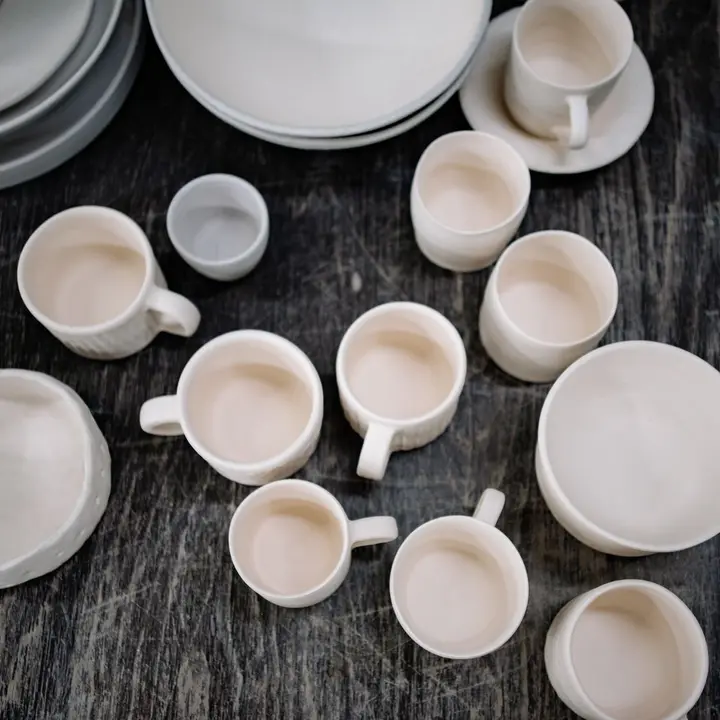
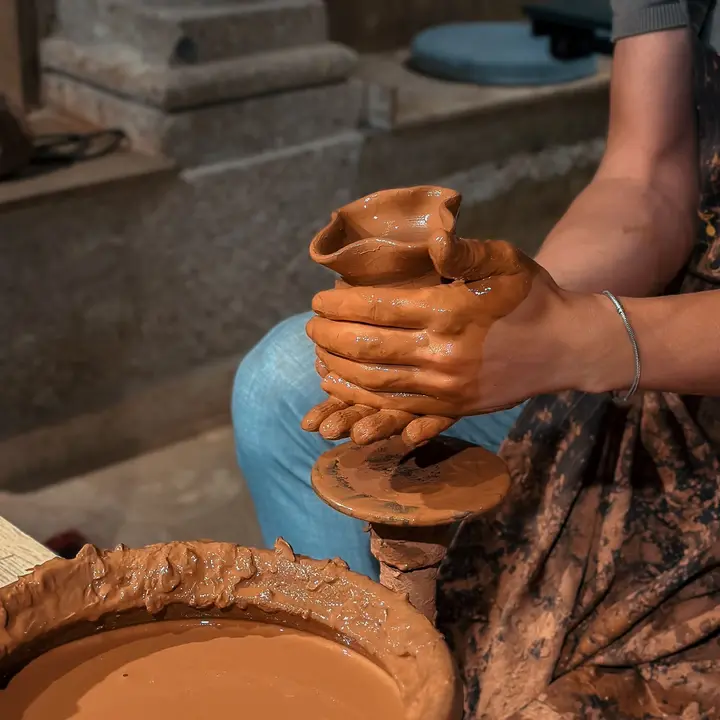
Say what you sell and one reason to buy it from you: "Handmade ceramics, small batches. Ships worldwide." Shipping information in the bio answers the question every follower abroad has.

Add a short call to action above the link, like "New collection below". Change it at every launch, so returning followers notice something is new. If you're running a sale, say so there too, with the end date.

Track which posts bring buyers

If your shop is connected to Instagram Shopping, keep tagging products in posts. Your page catches everyone else: story viewers and people who arrive from TikTok or Pinterest.

Add UTM tags to the link you share in each place, such as the bio, a story or a TikTok profile. Analytics then show visits by source and clicks per link, so you know if the new collection or the best sellers pull more.

Mistakes small shops make

Sending people to the shop's homepage when the post was about one product. Link the collection or the product itself, so the thing they liked is the first thing they see.

Hiding shipping costs and the return policy until checkout. Put them in the FAQ, with delivery times per country if you ship abroad. A surprise at the last step is an easy reason to close the tab, and it's the simplest thing to fix today.

FAQ

Questions

How do I sell on Instagram without a website?

Add products with Stripe checkout to your page, or take orders on WhatsApp. Put the page link in your bio and you have a small shop. Start with your best-selling pieces and add more later.

Can customers order through WhatsApp?

Yes. The button opens a chat with a first message already typed, and they add what they want.

Can I accept Pix or MB Way?

Add a Pix button for customers in Brazil. For MB Way, mention it in the FAQ and send the payment request in the WhatsApp chat.

Where do I explain shipping and returns?

In the FAQ block. Each question folds open on tap, so the page stays short however many answers you add. Say who pays for return shipping, since that's what people want to know.

Can I show several products in a grid?

Yes. Link buttons can sit two per row with an image each, which works well for categories or best sellers.

How do I know which post brought a sale?

Tag each shared link with UTM parameters. Analytics list visits by source and clicks by link, so you can compare posts and platforms.

Free tools that go with it

More templates

See all templates

Start in minutes

Your page, from this template

Pick a username, and your page starts with this template: change the words, add your links and it's yours.

Build free, no card. Publish with a 14-day free trial.

Claim your link today

One link for everything you create, sell and share. Free to publish, online in minutes.